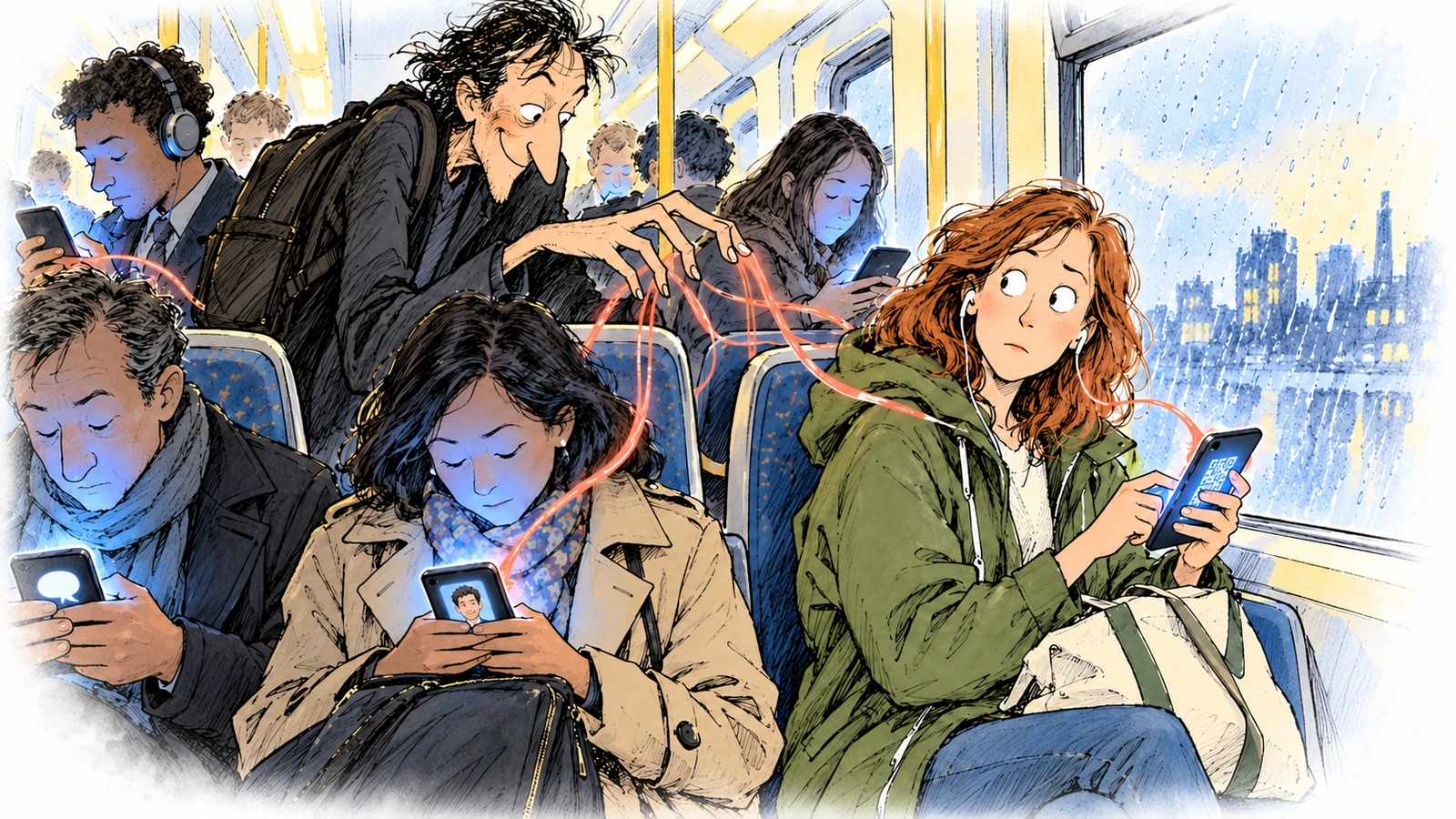
The 7:42 to the city is full of people holding phones. Niamh, a procurement officer, is approving a purchase order.
The man beside her is answering a colleague. The student opposite is scanning something she has been sent. None of them has a mouse to hover with, a wide screen to read the sender on, or a quiet moment to think. Somewhere in the carriage, a pickpocket who has never set foot on the train is working the same crowd by email.
The most successful phishing attacks in 2026 are not sophisticated because they are clever. They work because they fit how people actually communicate.
For years, awareness training assumed a desktop: hover over the link, check the sender, be wary of the attachment. That advice still holds. But a great deal of our work now happens on phones, where there is less context, a smaller screen and a constant pull to answer now. Attackers have noticed. Three techniques keep working.
1. The QR code
Scanning a QR code is now ordinary: payments, menus, event registration, sign-in. Attackers lean on that familiarity by putting malicious codes in emails and documents, asking you to scan to view a file, verify an account or approve a transaction. On a phone you land straight on a convincing login page. There is nothing to hover over, so the attack feels seamless. The FBI warned in 2022 about tampered QR codes leading to fake login and payment pages, and Ireland’s NCSC publishes a quick guide for exactly this reason.
2. The email-to-text pivot
Not every phishing attack starts with a link. Many begin with a conversation. The attacker asks you to carry on by text or WhatsApp, where their messages sit alongside those from friends, family and colleagues. Nothing technical happens. Familiarity does all the work.
3. The colleague who isn’t
A meeting invitation, a document approval request or an urgent note from “a colleague” lands in your collaboration app and blends into the working day. On a small screen you are less likely to check the sender. Arctic Wolf reported more than 400 incidents in which attackers abused Microsoft Teams external chat, often posing as IT support, to gain initial access.
Why the phone is the ideal target
It isn’t a flaw in the technology. It is how we use it. Phones are built for convenience and quick decisions. Notifications manufacture urgency. A small screen hides the warning signs. A distracted person with a smartphone is a far easier target than a cautious one at a desk.
Do this week
- Teach people to treat a QR code like a link: check where it leads before signing in, and type the address yourself for payments.
- Say out loud that moving a chat onto text or WhatsApp is a reason to pause, not to relax.
- Restrict who outside the organisation can chat with your staff in Teams.
- Run your next simulation on phones, not only on desktops.
The moral of the story
Attackers know that a person at a desk will inspect a suspicious request. They also know the same person, on a train with a notification buzzing, probably won’t.
References
- BleepingComputer, FBI warns of malicious QR codes used to steal your money (reporting the FBI IC3 public service announcement of January 2022).
- National Cyber Security Centre Ireland, Quick guide: QR code phishing scams.
- Infosecurity Magazine, Attackers exploit Teams external chat to breach organizations in under 15 minutes (reporting Arctic Wolf research).
The email-to-text pivot comes from my own observations in testing, so I have not cited a public source for it.